

Our docs
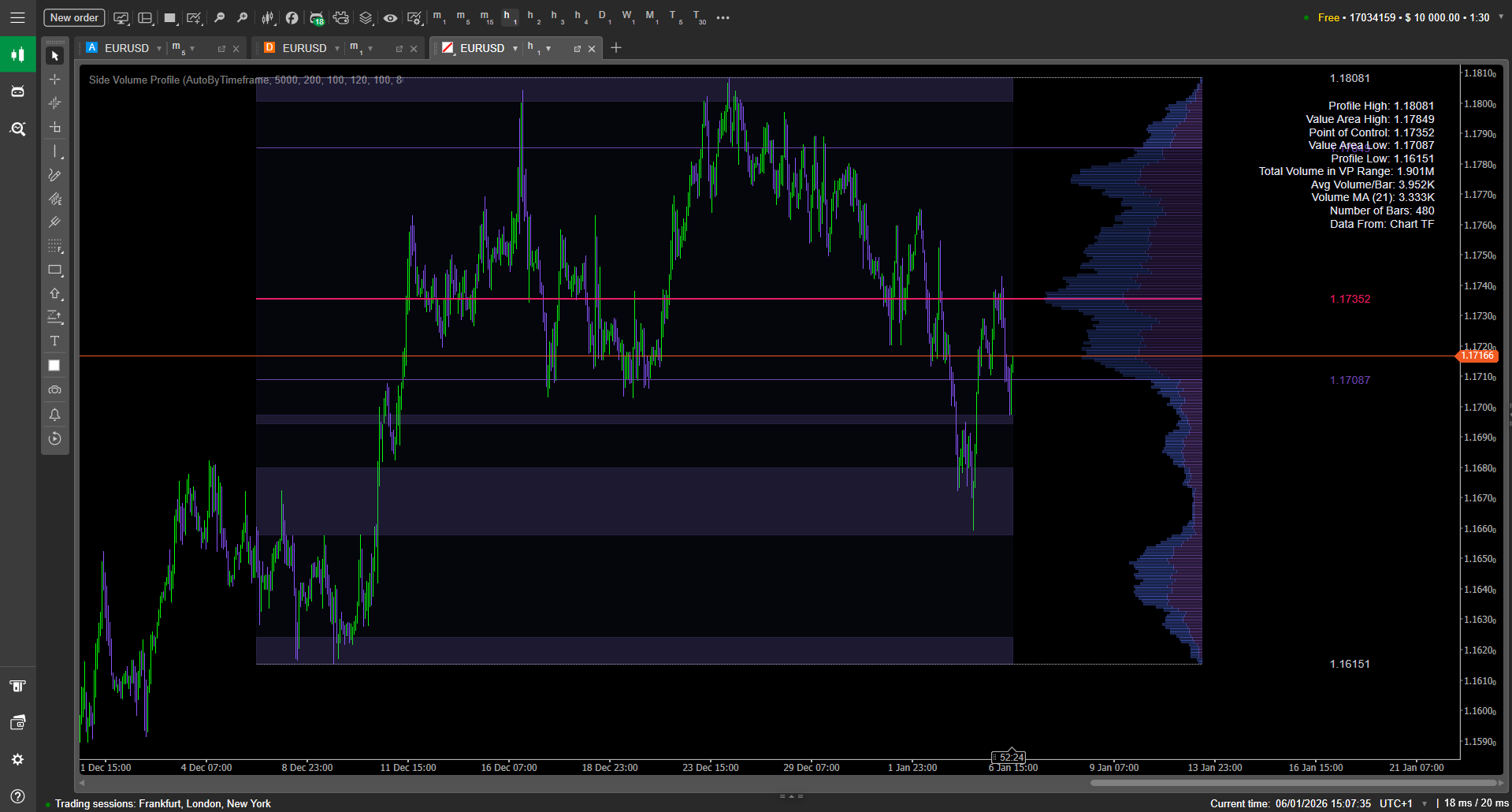
Side Volume Profile - Documentation
This documentation shows how to install, configure, and trade with Side Volume Profile in cTrader. You’ll learn how to select the right range mode (AutoByTimeframe vs FixedBars), tune profile resolution with Rows/Bins, and style key Market Profile levels (POC, VAH, VAL, High/Low) for fast decision-making. Step-by-step guides explain how to enable and filter Low-Volume Zones (LVZ), add the optional top volume histogram with EMA smoothing, and build practical workflows like POC reversion, value-edge reactions, and LVZ break-retest continuation. Includes best-practice presets, troubleshooting, and actionable tips.

Candles Painter
This documentation shows how to install, configure, and use the Candles_Painter cTrader indicator in real trading workflows. You’ll learn how to pick the right Higher Timeframe, tune lookback and opacity for a clean chart, enable/disable bar painting, and optionally add HTF High/Low lines. Each section includes step-by-step actions (what to click and what to set) plus screenshot checklists, best-practice presets, and troubleshooting for common setup issues.